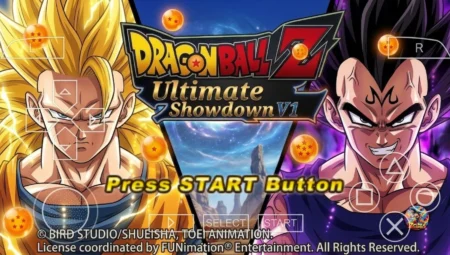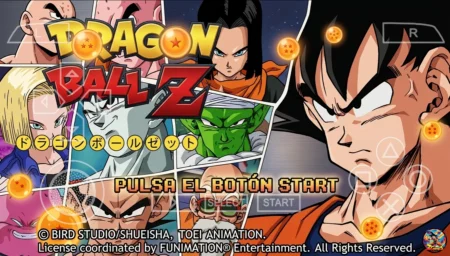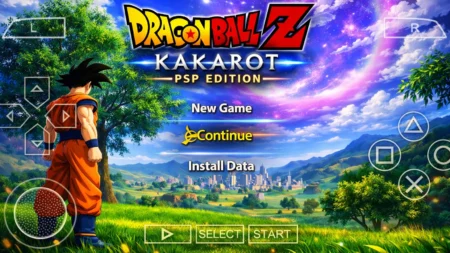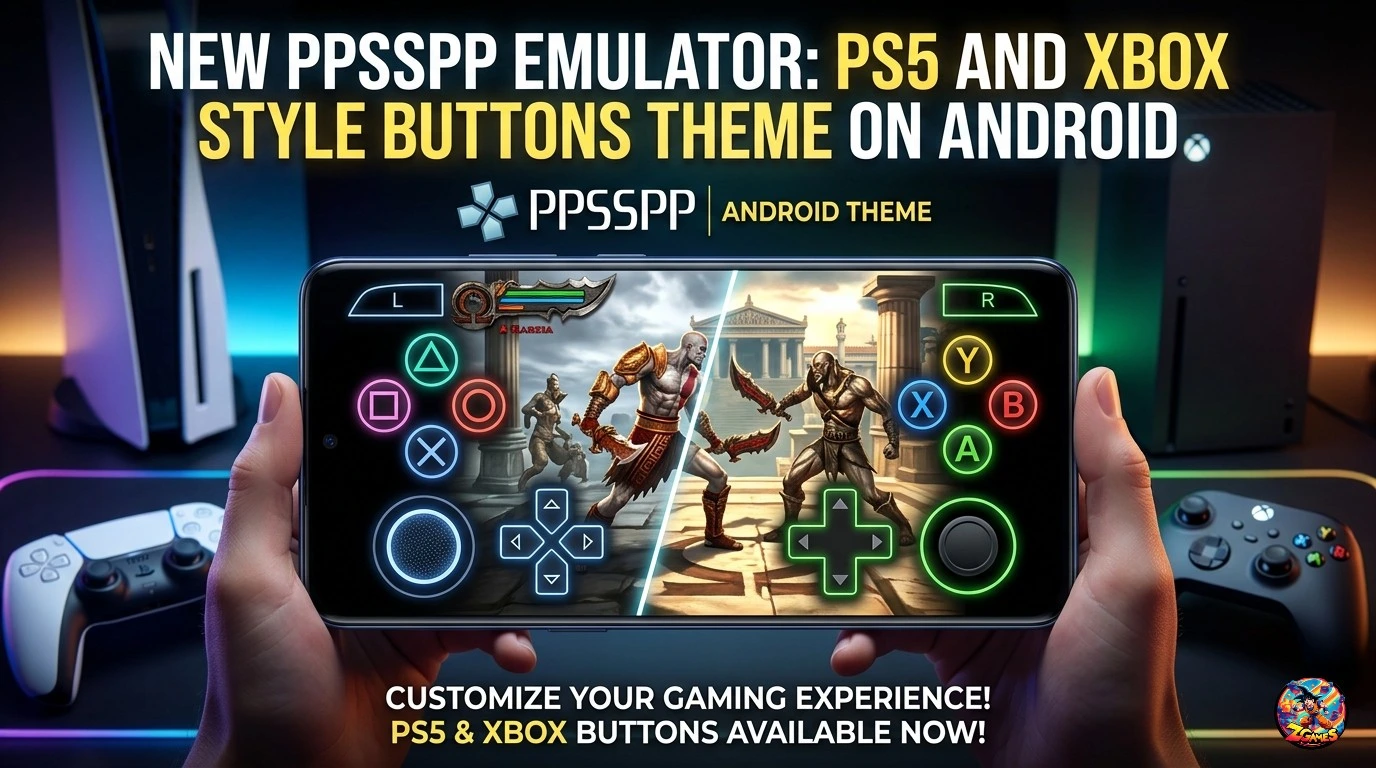
If you use PPSSPP Emulator on Android and want your PSP games to feel more like modern console games, this new PS5 and Xbox style buttons theme for PPSSPP is worth checking out.
The default PSP touchscreen controls are functional, but they don’t always feel natural for players who are accustomed to modern PlayStation and Xbox controllers. A customized button layout can make the emulator look cleaner and, more importantly, make it easier to recognize the controls while playing fighting games, racing games, action games, and other PSP titles.
This PPSSPP Android buttons theme focuses on giving the on-screen controls a more modern console-inspired appearance. Instead of the standard PSP-style interface, you can customize the touchscreen experience with button designs inspired by the familiar layouts used by modern gaming controllers.
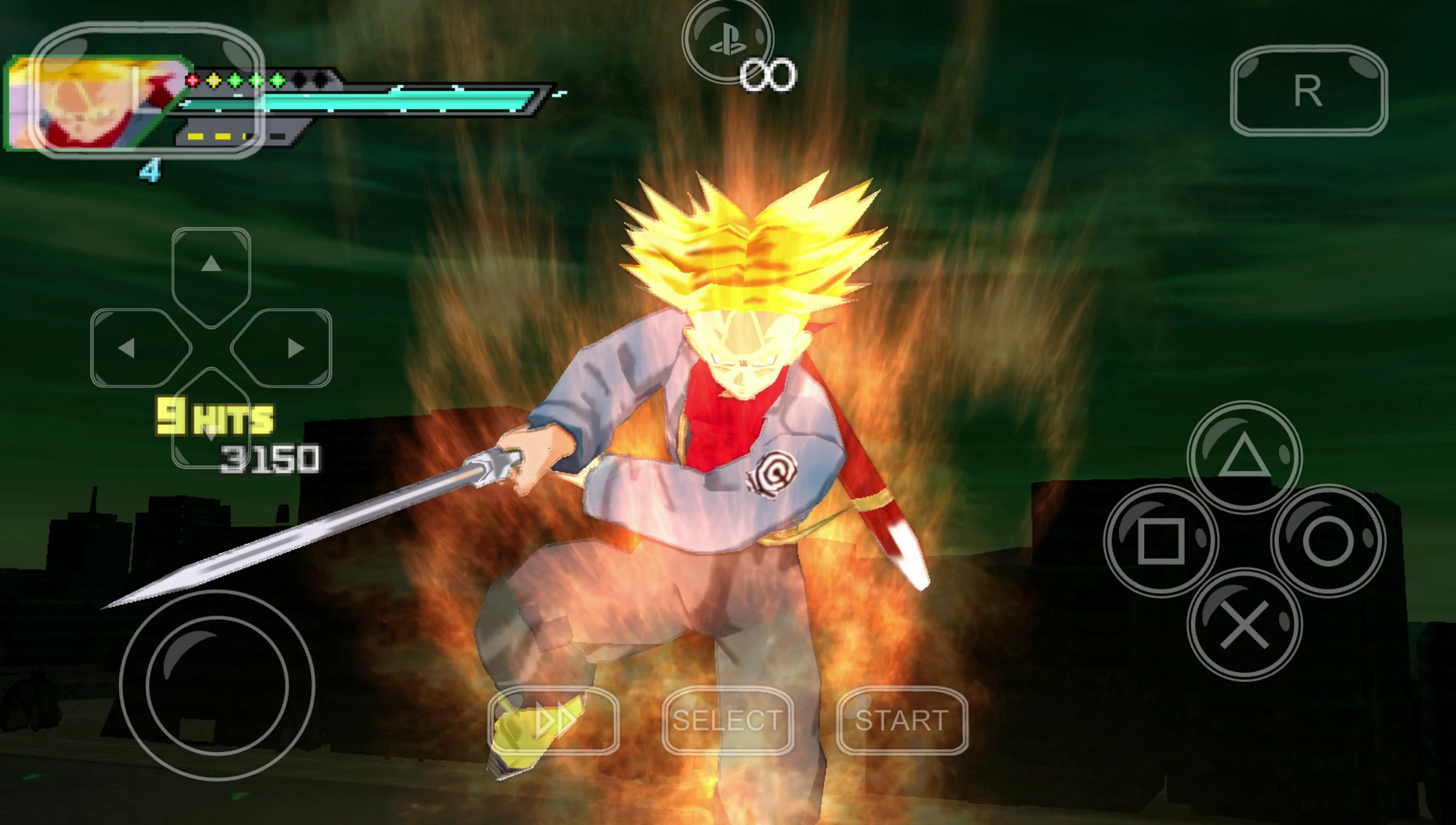
Whether you prefer the PS5-style Cross, Circle, Square and Triangle buttons or the Xbox-style A, B, X and Y buttons, a customized PPSSPP interface can make mobile PSP gaming feel much more familiar.
What Is the PPSSPP PS5 and Xbox Buttons Theme?
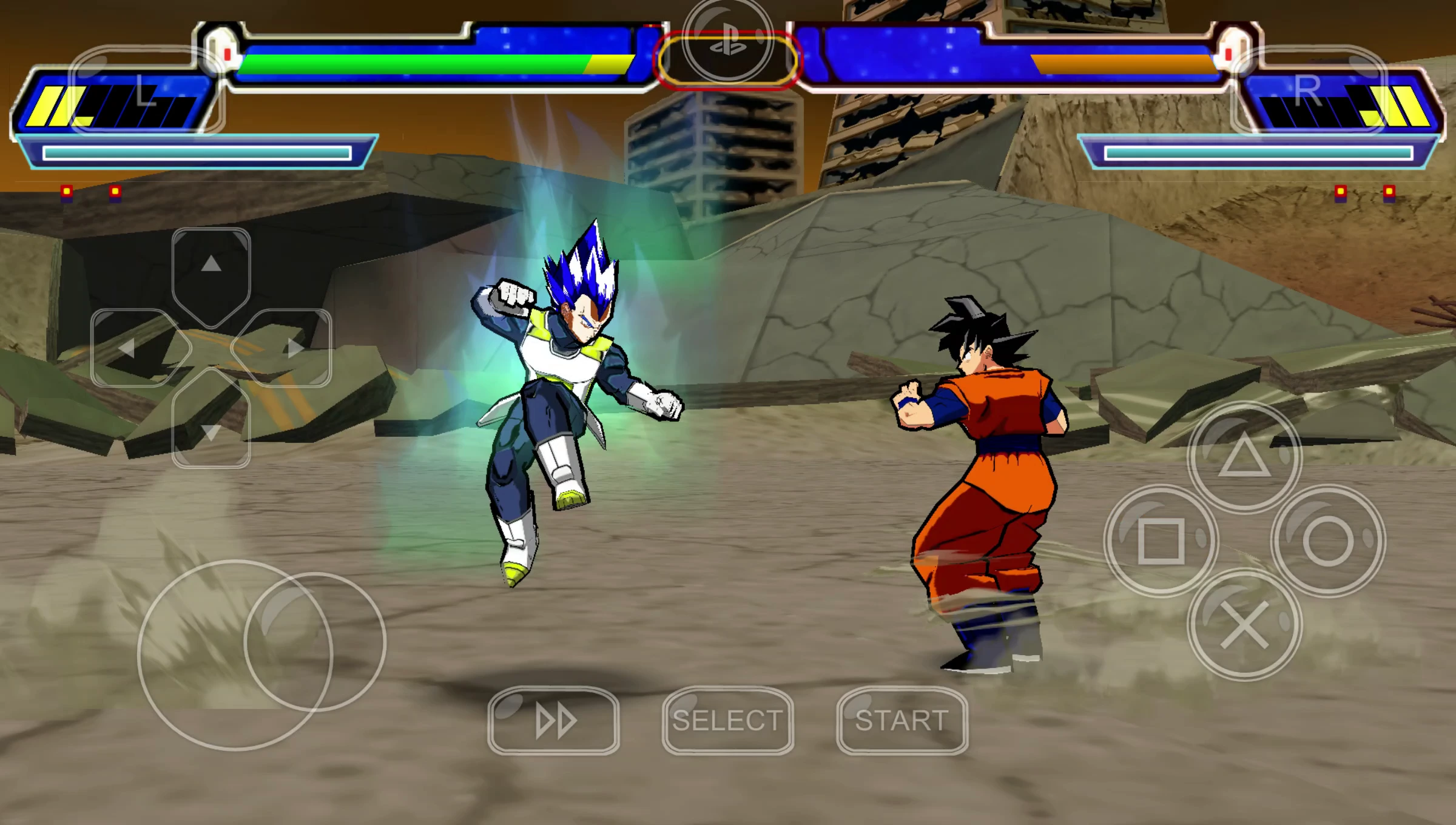
The PPSSPP PS5 and Xbox Buttons Theme is a visual customization for the PPSSPP emulator on Android. It changes the appearance of the on-screen controls so they resemble modern console controller buttons.
PSP already provides extensive control customization, allowing players to adjust the position, size, opacity, and visibility of virtual controls. A themed layout takes that customization a step further by giving the controls a recognizable modern-controller appearance.
This can be especially useful when playing games that require frequent button combinations or quick reactions.
PS5 Style Buttons for PPSSPP Android
PlayStation-style controls are instantly recognizable to most console players.
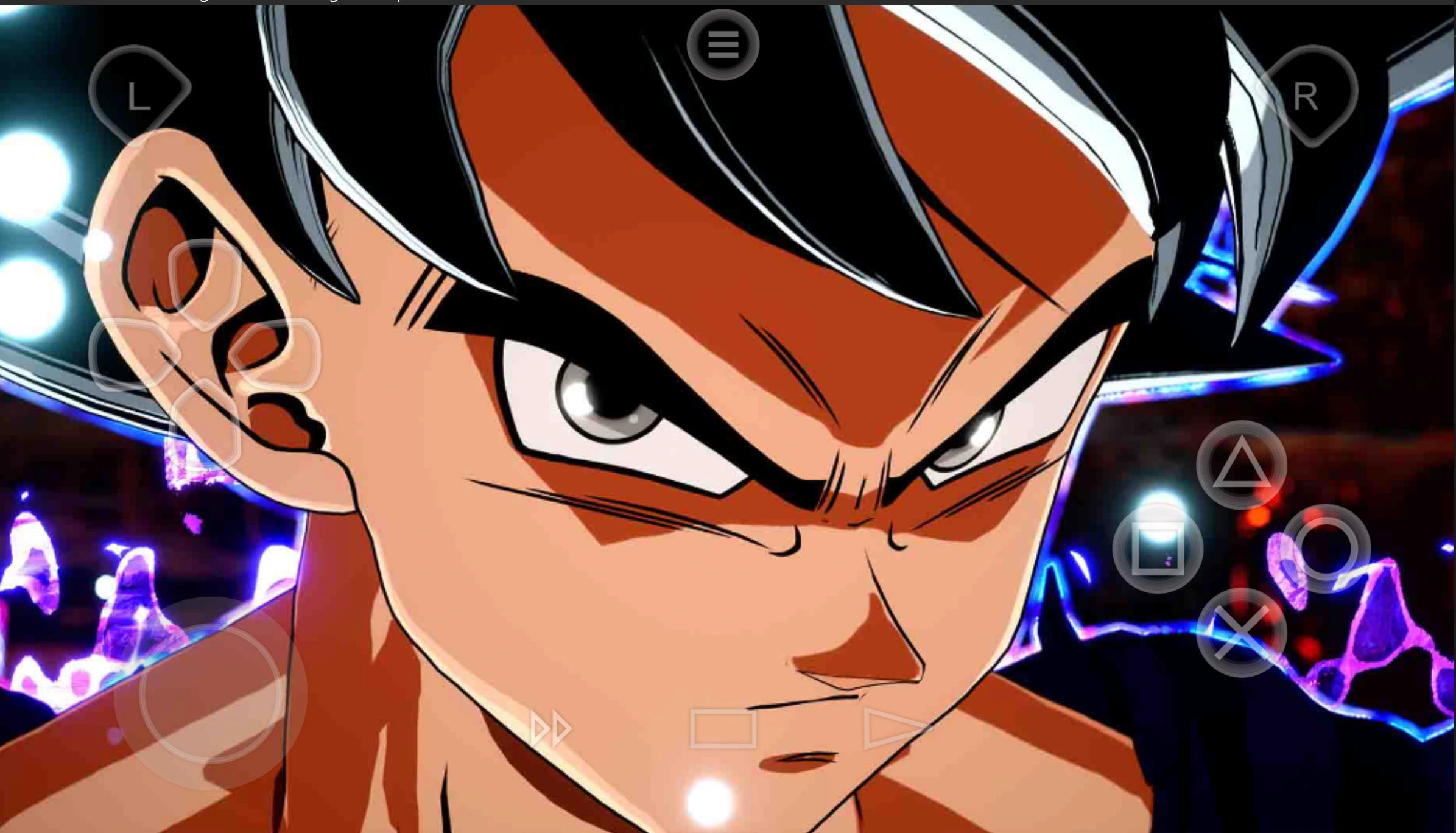
A PS5-inspired PPSSPP theme can use familiar symbols such as:
- Cross
- Circle
- Square
- Triangle
This can make the touchscreen interface easier to understand for players who normally play on PlayStation consoles.
The benefit isn’t only visual. When the buttons are positioned and sized correctly, they can also make touchscreen gameplay more comfortable, particularly during longer gaming sessions.
For Dragon Ball, fighting, action, and adventure games where several buttons are used repeatedly, having a clean and familiar control layout can make a noticeable difference.
Xbox Style Buttons for PSP Emulator
Xbox controllers use a different button labeling system based on A, B, X and Y.
An Xbox-inspired PPSSPP theme can reproduce that familiar arrangement on the Android touchscreen. Players who normally use Xbox controllers or Xbox-style gamepads may find this layout more intuitive than the standard PSP controls.
The exact appearance depends on the theme and how it is configured inside PPSSPP, but the main goal is simple: make the emulator’s virtual buttons look and feel more like a modern controller.
Why Customize PPSSPP Touchscreen Controls?
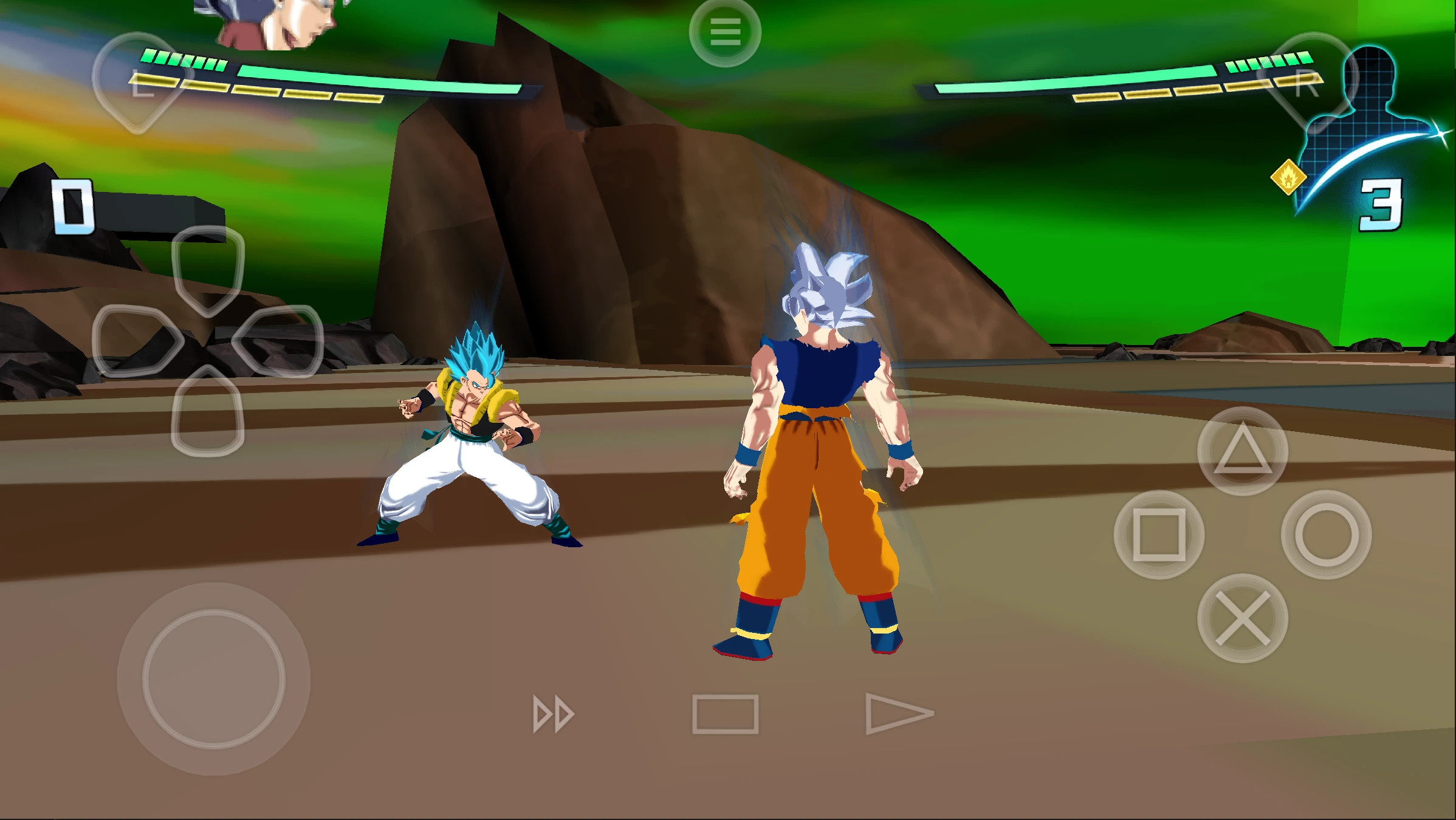
PPSSPP is designed to emulate the PSP, but modern smartphones have much larger displays than the original PSP.
That gives Android users more room to customize their controls.
A well-designed virtual controller can provide:
Better visibility: Modern button designs can make individual controls easier to identify.
More familiar controls: Players who already use PlayStation or Xbox controllers don’t have to mentally translate unfamiliar button layouts.
Cleaner gameplay: A properly organized interface can reduce visual clutter around the game.
Better comfort: Button size, position and opacity can be adjusted according to your preferred playing style.
Personalization: You can create a control layout that matches the games you play most frequently.
PPSSPP Android Controller Customization
One of the strongest features of PSP Emulator is its control customization.
Instead of being locked to one touchscreen configuration, Android players can adjust the virtual controls to suit their phone and gaming preferences.
For example, you can experiment with:
- Button size
- Button position
- Button opacity
- Analog stick placement
- D-pad placement
- On-screen button visibility
- Touchscreen control layout
- External controller configuration
A smaller phone may benefit from smaller controls with lower opacity, while a larger Android device can provide enough screen space for larger buttons.
There isn’t one perfect layout for everyone. The best configuration is the one that lets you reach the controls comfortably without blocking important parts of the game.
How to Use a PS5 or Xbox Style PPSSPP Theme
The exact installation process depends on how the particular theme has been packaged.
If the theme consists of PSP Emulator configuration or interface files, follow the instructions provided with that specific theme. Avoid replacing unrelated PPSSPP files unless the creator specifically instructs you to do so.
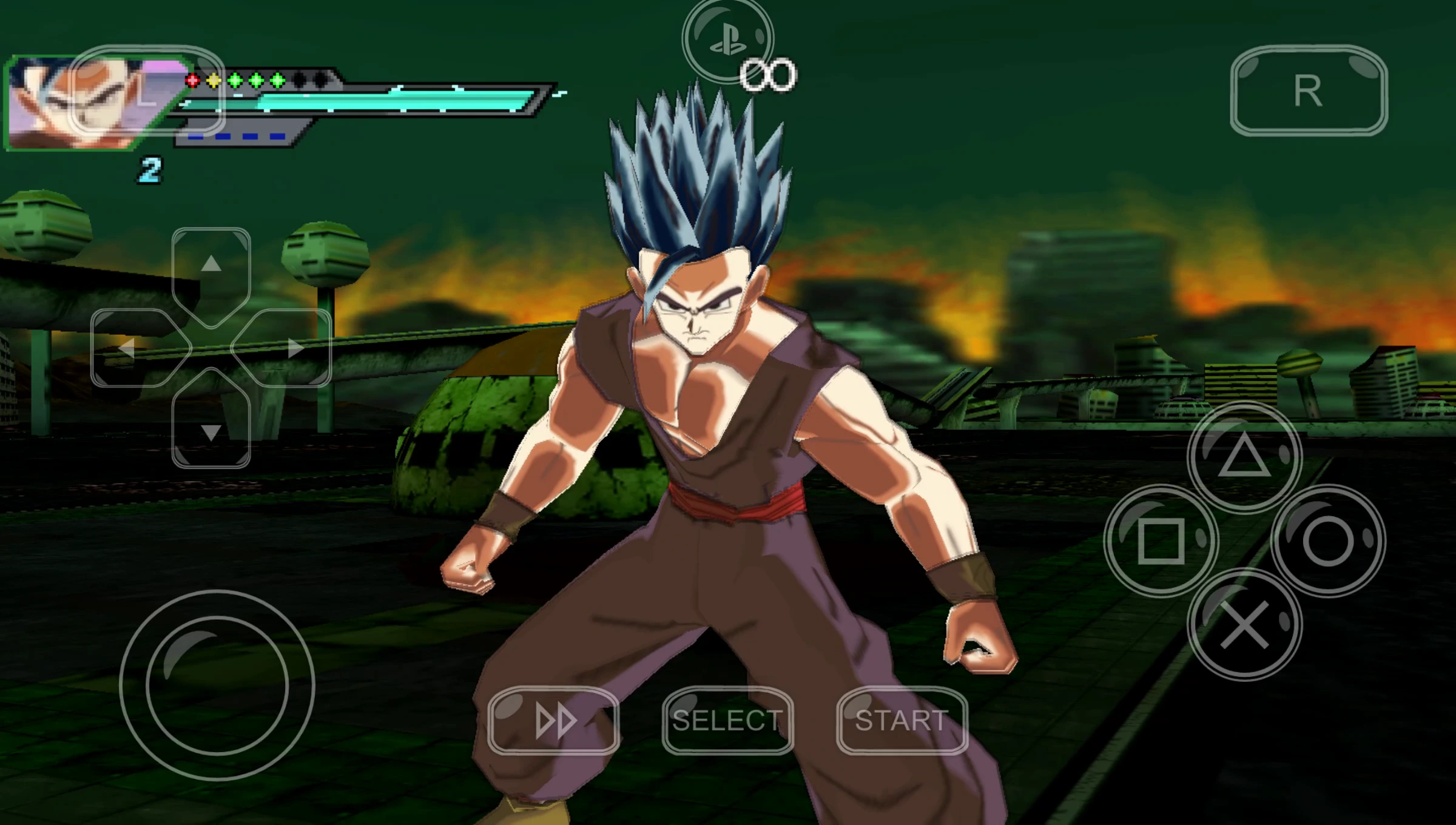
After applying the theme or configuring the controls, open PPSSPP and check the touchscreen control settings.
Make sure the buttons are:
- Clearly visible.
- Large enough to press accurately.
- Positioned comfortably for your hands.
- Not covering important game information.
- Suitable for the particular game you’re playing.
You can then test the layout in a game and make small adjustments until the controls feel natural.
PPSSPP Touchscreen Controls vs Physical Controller
A customized touchscreen theme isn’t the only option for Android.
PSP Emulator also supports external controllers, allowing compatible gamepads to be used instead of virtual touchscreen buttons.
For games that require precise analog movement or rapid combinations, a physical controller can provide a more traditional console-style experience.
However, touchscreen controls have one major advantage: you don’t need to carry another device.
With a good layout, an Android phone can become a compact portable PSP gaming setup without requiring additional hardware.
Best Games for a Customized PPSSPP Button Layout
A modern controller-style interface can be useful across many PSP genres.
It can work particularly well with:
- Dragon Ball PSP games
- Fighting games
- Action games
- Racing games
- Adventure games
- Sports games
- Platform games
- RPGs
- Arcade games
Fighting games can benefit especially from clearly separated face buttons because players often need to perform combinations quickly.
For Dragon Ball PPSSPP games, a familiar button arrangement can make repeated attacks, movement, guarding, and special techniques easier to manage.
Does the Theme Improve PPSSPP Performance?
No. A button theme is primarily a visual and control customization.
It does not automatically increase FPS, reduce emulator latency, or make a demanding PSP game run faster.
Performance is primarily affected by your Android device, PPSSPP settings, game compatibility, and other system factors.
This distinction is important because some customization videos and websites may describe visual themes as performance improvements. Changing the appearance of virtual buttons should not be expected to provide a significant performance boost.
PPSSPP Android Gaming Experience
The ability to customize the emulator is one of the reasons PPSSPP remains popular with Android gamers.
Modern smartphones have high-resolution screens, powerful processors, large storage capacities, and support for external accessories. Combined with emulator customization, this makes it possible to create a very different experience from playing PSP games on the original handheld.
A PS5 or Xbox-inspired button theme is a small change, but it can make the interface feel much more familiar.
For players who regularly switch between modern console gaming and PSP emulation, that familiarity can be particularly useful.
Final Thoughts
The New PPSSPP Emulator PS5 and Xbox Style Buttons Theme for Android is a simple but useful customization for players who want their PSP emulator to feel more like a modern gaming setup.
Combined with PPSSPP’s existing touchscreen customization, Android users can create a control layout that fits their phone, preferred games, and personal playing style.
If you regularly play Dragon Ball PPSSPP games, fighting games, racing games, or other PSP titles on Android, experimenting with a modern controller-style interface can make the overall experience cleaner and more comfortable.
For the best results, treat the button theme as part of a complete Android gaming setup: choose comfortable controls, configure PPSSPP according to your device’s performance, and use a physical controller when you want a more traditional console experience.