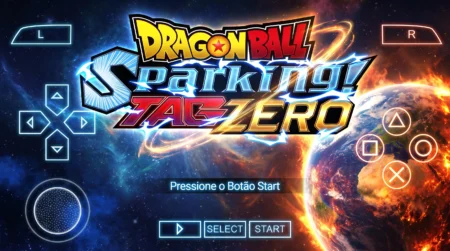
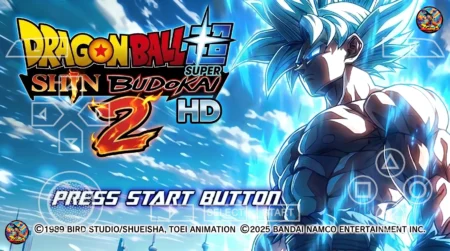
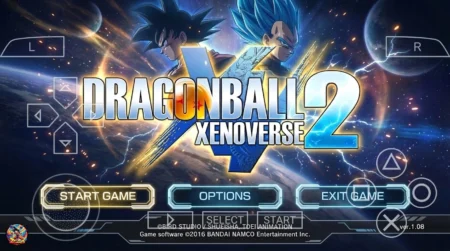
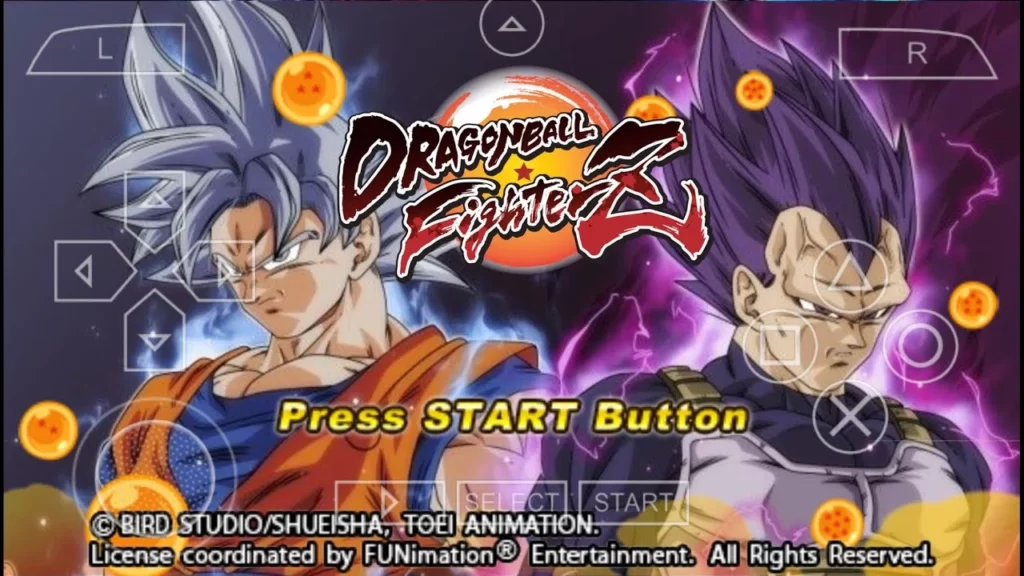
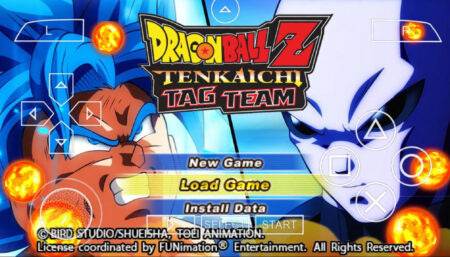
If you love Dragon Ball Z Tenkaichi Tag Team mods, the DBZ TTT Sparking Mod is still one of the best you can play on PPSSPP in 2026. It brings Sparking Meteor-style textures, a permanently fixed character menu, and fighters from every Dragon Ball series, DBZ, Dragon Ball Super, GT, AF, and Dragon Ball Heroes, all in one ISO.
What’s New in the 2026 Update
- Permanently fixed menu, switch characters anytime without glitches
- Sparking Meteor-style textures with sharper, fresher graphics
- Fighters from every Dragon Ball series: DBZ, Super, GT, AF, and Heroes
- New maps added for more gameplay variety
- Fresh install steps and best PPSSPP settings for 2026

About This Mod
The DBZ TTT Sparking Mod is a full texture and roster overhaul of Dragon Ball Z Tenkaichi Tag Team for PSP. Every character has new looks and attacks, the aura effects are redone, and the whole game has that Sparking Meteor feel while keeping TTT’s fast 2v2 tag gameplay.
The series lineup is the big draw: Dragon Ball Z, Dragon Ball Super, Dragon Ball GT, Dragon Ball AF, and Dragon Ball Heroes, all in one roster. If you have ever wanted matchups that never happened in any official game, this mod lets you set them up.
The attacks got the same treatment. Characters hit with new ultimate attacks and flashier effects, and the new maps give you fresh stages built for the faster, heavier Sparking-style combat. It still plays like Tenkaichi Tag Team at its core, quick 2v2 tag battles, but every fight looks and feels bigger.
A huge thanks to the mod creators. These projects take an enormous amount of effort. If you enjoy it, share it with your friends.

How to Use the Fixed Menu in the DBZ TTT Sparking Mod
The standout feature of the DBZ TTT Sparking Mod is the fixed menu. Unlike older TTT mods where the character select screen breaks or shows missing slots:
- Open the character select screen as normal
- Browse the full roster, every character slot is working
- Switch characters whenever you want, mid-session, with no crashes
- New maps are also selectable from the stage menu
No separate menu installation is needed. The fixed menu is built right into this build. Some TTT mods need a texture folder dropped into PSP/TEXTURES to fix the menu, but the DBZ TTT Sparking Mod does not. Install the ISO and play.
How to Download the DBZ TTT Sparking Mod
- Scroll down and tap the Download button below
- Wait for the countdown timer to finish and your download link will appear.
- Download the ISO file and extract it if it is compressed (.zip/.rar/.7z)
How to Install on PPSSPP (Android & PC)
- Install PPSSPP from the Play Store (Android) or the official PPSSPP site (PC)
- Place the extracted ISO in a folder you can find easily (e.g. /PSP/GAME/)
- Open PPSSPP, go to Games, and navigate to your ISO
- Important: set PPSSPP system language to Americas / Latin before first launch, some TTT mods crash on other language settings
- Launch and enjoy
DBZ TTT Sparking Mod: Best PPSSPP Settings (2026)
These settings fix the most common problems with TTT mods:
- Rendering mode: Buffered rendering (fixes black-screen issues)
- Frameskipping: Off (or Auto if your device lags)
- Rendering resolution: 2x PSP on mid-range phones, higher if your device handles it
- Fast memory (unstable): OFF, this is the #1 crash fix for TTT mods
- Multithreaded: OFF if you get random crashes
- Texture scaling: Off or 2x (higher values cause lag on low-end devices)
Minimum Requirements (2026)
- Android: 5.0 or higher
- Storage: 2GB free space for the game files
- File type: ISO or CSO
- Emulator: latest PPSSPP from the Play Store

Troubleshooting
Game crashes on startup?
Turn off Fast memory (unstable) and Multithreaded in PPSSPP Settings, System. Set language to Americas/Latin.
Black screen after loading?
Switch rendering mode to Buffered rendering in Settings, Graphics.
Lag during fights?
Lower rendering resolution to 2x PSP, turn on Auto frameskip, and close background apps.
Characters missing from menu?
Make sure you downloaded the fixed-menu build (this post). Older Sparking mod versions have broken menus.
Save data not working?
Use PPSSPP’s save state slots instead of relying on in-game saves.
ISO won’t show up in PPSSPP?
Make sure the file is extracted and ends in .iso or .cso. Point PPSSPP’s Games tab at the folder holding the file, and it should appear.
That is everything you need to know about the DBZ TTT Sparking Mod for Android. With the fixed menu, the all-series roster and the Sparking Meteor look, it is an easy pick if you want one TTT mod that covers every Dragon Ball era in a single ISO.
FAQ
Is the DBZ TTT Sparking Mod available for Android?
Yes, it runs on Android through the PPSSPP emulator. There is no native Android port, PPSSPP is required.
Does the fixed menu really work?
Yes. The character select menu is permanently fixed in this build, all slots work and you can switch characters freely.
Which Dragon Ball series are included?
DBZ, Dragon Ball Super, Dragon Ball GT, Dragon Ball AF, and Dragon Ball Heroes characters, all with new attacks and textures.
Is this mod free?
Yes, it is a free fan-made mod. You need the PPSSPP emulator (free) to play it.
Will it work on low-end phones?
It runs on most Android phones with the settings above. If you get lag, lower the rendering resolution and turn on Auto frameskip.
Does it work on a real PSP too?
Yes, the mod works on a real PSP as well as on PPSSPP.