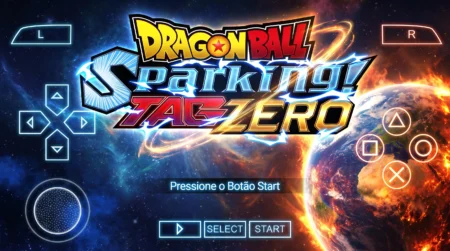
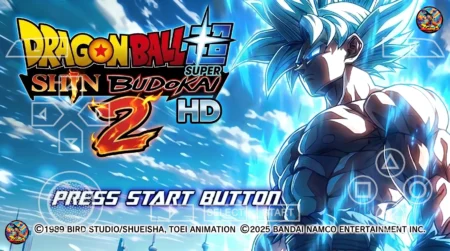
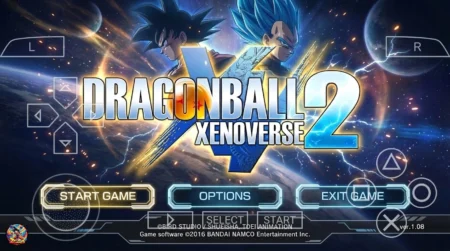
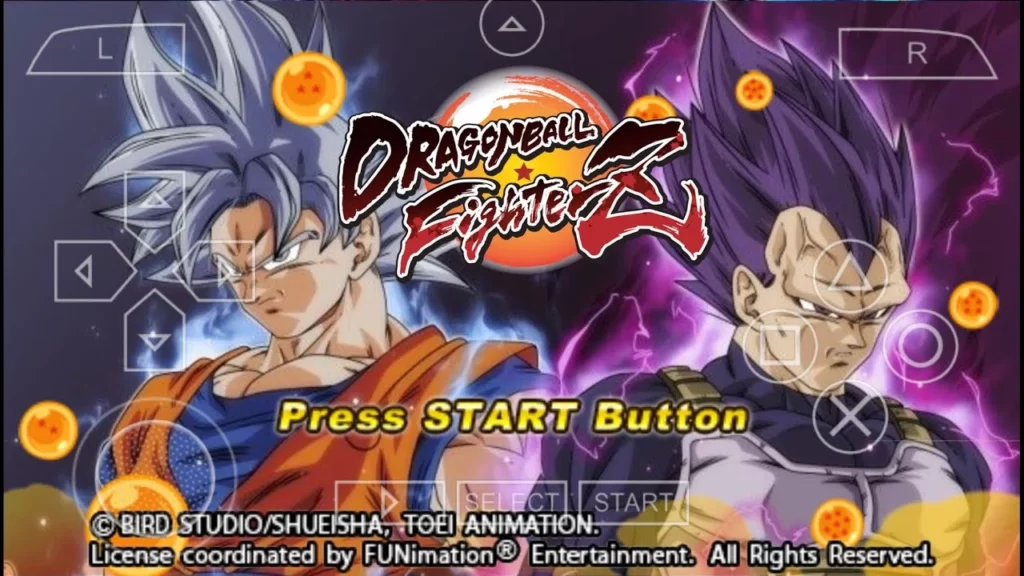
Dragon Ball Xenoverse 3 has never been officially announced, let alone released for phones. But fans did not wait around for Bandai Namco. The Dragon Ball Xenoverse 3 PPSSPP mod is a fan-made rework of Dragon Ball Z: Tenkaichi Tag Team for the PSP, rebuilt to look and feel like a Xenoverse game on Android. And honestly, it pulls off the illusion pretty well.

If you love the Xenoverse series but only have a phone in your pocket, this mod is the closest you will get to playing Xenoverse-style action on the go. It runs on the PPSSPP emulator, which is free on the Play Store, and it is completely playable offline once set up.
What the Dragon Ball Xenoverse 3 PPSSPP Mod Actually Is
Let us be clear about one thing: this is not an official port. There is no official Dragon Ball Xenoverse 3, not for Android, not for PSP, not anywhere. What the mod creator did was take the DBZ TTT engine on PSP and reskin it from top to bottom with a Xenoverse theme. The result is being called the Dragon Ball Xenoverse 3 PPSSPP mod by the community, and the name stuck.

The base game, Tenkaichi Tag Team, is already one of the most moddable PSP fighters ever made. Modders have spent years turning it into everything from Budokai Tenkaichi 3 ports to Sparking Zero lookalikes. This particular mod goes for the Xenoverse aesthetic: cleaner menus, a different color palette, new character models, and a presentation that feels more like the console Xenoverse games than a 2010 PSP title.
If you have already played the Dragon Ball Xenoverse 2 mod for Android, think of this as the next step in that same fan-made series. The Dragon Ball Xenoverse 3 PPSSPP version pushes the concept further with more characters and a more polished interface.
Key Features of the Dragon Ball Xenoverse 3 PPSSPP Mod
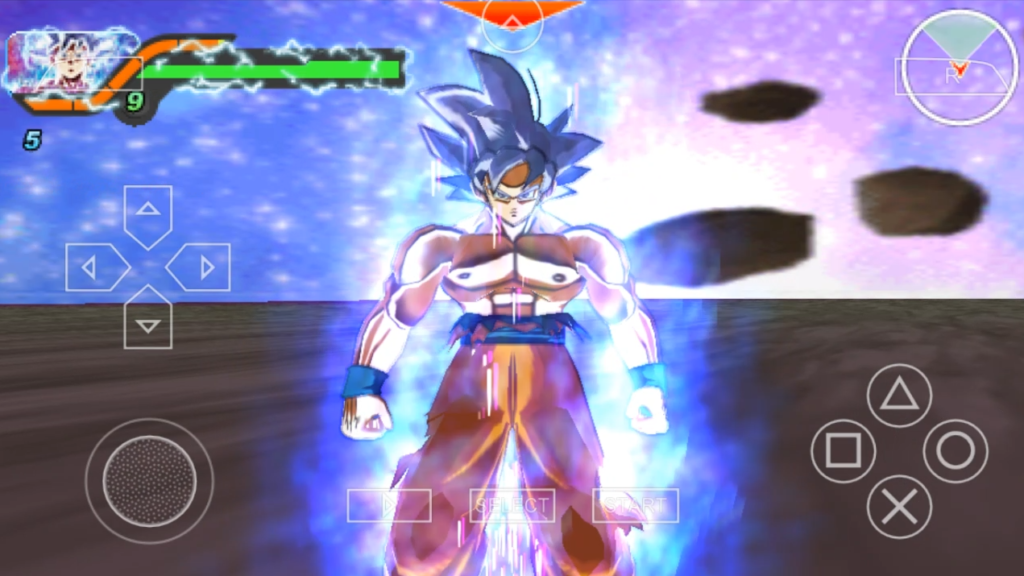
- Xenoverse-style interface. The menus, character select screen, and battle HUD have been redesigned to mimic the Xenoverse look instead of the default TTT layout.
- Expanded character roster. The mod adds characters and forms you will not find in the original TTT, including newer transformations from Dragon Ball Super.
- Reworked textures and auras. Character models got texture upgrades, and the auras for Super Saiyan forms and beyond have been redone to look sharper.
- New ultimate attacks. Several fighters come with new or reworked ultimate attacks, so battles feel fresh even if you know TTT inside out.
- Offline play. Once the ISO is on your phone, everything runs locally. No internet needed after setup.
Characters and Content You Get
The Dragon Ball Xenoverse 3 PPSSPP mod is built for roster depth. You will find the core Z fighters alongside Super-era characters, fusions, and villains. Transformations are a big part of the appeal. Goku, Vegeta, and the usual suspects can push through multiple forms mid-battle, and the mod includes forms that the original TTT never had.

Stages got attention too. Expect arenas with updated textures that match the Xenoverse vibe. It is still the TTT fighting system underneath, which is good news, because that tag-team combat is genuinely fun. Battles are fast, switching partners mid-fight feels smooth, and the two-on-two format keeps things chaotic in the best way.
One thing to keep in mind: this is a fan mod, so balance is not perfect. Some characters hit harder than they should, and a few animations are borrowed from other fighters. That is just how the modding scene works, and most players will not care once they are mid-battle.
How to Download Dragon Ball Xenoverse 3 PPSSPP
Getting the mod onto your phone takes a few minutes. Here is the process:
- Scroll down and tap the Download button below.
- Wait for the countdown timer to finish and your download link will appear.
- Download the ISO file to your phone.
- If the file is compressed (.zip or .rar), extract it with ZArchiver or any RAR app from the Play Store.
- Move the extracted ISO to a folder you can find easily, like /PSP/GAME/.
That is the whole download process. The file is an ISO made for the PPSSPP emulator, so do not try opening it with a video player or anything else. It only works inside PPSSPP.
How to Install and Play on PPSSPP
Installation is simple because there is no APK to sideload and no root needed:
- Install PPSSPP from the Play Store (the free version works fine).
- Open PPSSPP, go to Games, and navigate to the folder where you put the ISO.
- Before launching, long-press the game icon, open Game Settings, and set the system language to America Latina. Many TTT-based mods crash or glitch on other language settings.
- Launch the game and enjoy.
On PC the process is nearly identical. Grab PPSSPP for Windows from the official site, point it at the same ISO, and play with a controller or keyboard. Your save files even transfer between Android and PC if you copy them over.
PPSSPP Settings That Help With TTT Mods
Modded TTT games can be picky. If the Dragon Ball Xenoverse 3 PPSSPP mod crashes on boot or freezes mid-fight, try these fixes before anything else:
- Turn off Fast Memory (unstable). Go to Settings, then System, and disable it. This single setting fixes most mod crashes.
- Disable Multithreaded. Same menu. Some mods render incorrectly or freeze with it on.
- Set language to America Latina. Worth repeating because it genuinely matters for this mod family.
- Try different rendering backends. If you get a black screen, switch between OpenGL and Vulkan in the graphics settings.
- Lower the rendering resolution. If fights stutter on an older phone, dropping to 2x or 1x PSP resolution helps a lot.
These tweaks apply to basically every DBZ TTT mod on this site, so they are worth remembering.
Is This the Real Xenoverse 3?
No, and it is important to say that plainly. There is no official Dragon Ball Xenoverse 3 as of 2026. This is a fan-made mod of a PSP game, built by a modder in their free time. It does not have Xenoverse 2’s hub world, character creator, or online multiplayer. What it does have is Xenoverse-flavored Dragon Ball fighting on a phone, which is still pretty cool.
If you want more mods in this style, check out the Dragon Ball Xenoverse 4 PPSSPP mod and the Dragon Ball Z Kakarot TTT mod. Both follow the same formula: classic PSP engine, modern Dragon Ball presentation.
FAQ
Is the Dragon Ball Xenoverse 3 PPSSPP mod free?
Yes. It is a free fan-made mod. You just need the free PPSSPP emulator to run it.
Does it work on iOS?
PPSSPP is available on iOS as well, so the same ISO can work there, though the setup steps differ slightly.
Do I need internet to play?
No. Once downloaded and set up, the game runs fully offline.
Why does the game crash on startup?
Almost always the language or Fast Memory setting. Set PPSSPP language to America Latina and turn off Fast Memory (unstable).
Can I play multiplayer?
TTT mods support local ad-hoc style play through PPSSPP’s networking on some setups, but it is unreliable. Treat this as a single-player experience.
Is this safe to install?
The ISO runs inside the PPSSPP emulator sandbox and does not touch your system. Download from the link on this page to avoid fake versions floating around.
Final Words
The Dragon Ball Xenoverse 3 PPSSPP mod is fan creativity at its best. Nobody asked a modder to rebuild Tenkaichi Tag Team into a Xenoverse-style experience, but they did it anyway, and the result is one of the more interesting DBZ mods you can play on Android right now. If you have PPSSPP installed and a free evening, it is absolutely worth trying.